





















Creating a Pixum Photo Book is easy
Use various design options for your very own personal photo book and capture special moments forever!
Wedding photo book: a record of the most beautiful day
Creating your own wedding photo book is a beautiful way to preserve your wedding photos for eternity. There is surely no other occasion where so many photos are being taken as a wedding. This makes it even more important to present all your favourite wedding photos in a proper setting. Create a wedding photo book with Pixum and present the pictures of this wonderful day in a perfect way directly online or in the software.
Check our wedding gift ideas
Pixum Photo Book
Create a custom wedding album
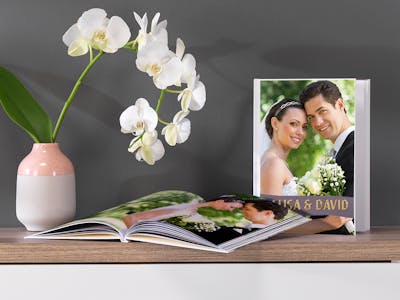
You can't sort all the pictures you take on your wedding day into albums? Simply choose the best images. Pixum makes it easy for you to create your own personal wedding album with the greatest snaps. Upload those of your digital pictures that you find most beautiful and definitely want to have in the album .
Then make your choice of matching backgrounds and professionally made illustrations that will make your wedding photo book a truly unique piece. You can choose the format, paper, cover and finally the photo that will later decorate the album cover and order! We will deliver this great keeper of memories of your wedding directly to your home.
Wedding photo book vs. classic wedding album
To ensure that the wedding photo book lasts just as long as your marriage, we pay great attention to quality. Only high-end photo paper is used, so your most beautiful photos remain glossy for a long time and make you happy you with their vibrant colours. The binding of the wedding photo book is, of course, very professional, so you can look at it again and again without worrying baout it getting damaged. So just enjoy your honeymoon and leave the creation of your wedding book up to Pixum - your photo gifts are in the best hands.
Would you like to have an adorable wedding album where you can capture all the unforgettable snapshots and portraits of your big day? You can get exactly that at Pixum - and even more! Instead of a traditional photo album, with its awkward handling of photo corners or sticky pages as well as photos that have slipped afterwards, you can create a Pixum Photo Book - comfortably right from your computer!
Design variety for personal wedding dreams
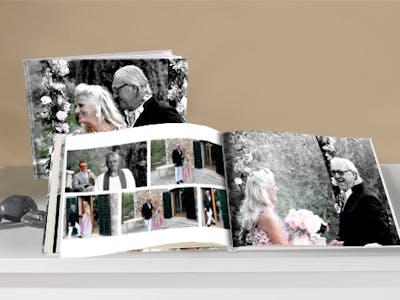
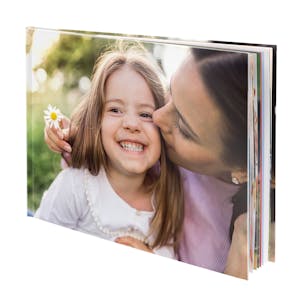
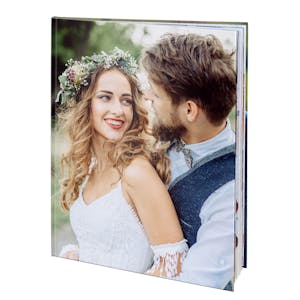
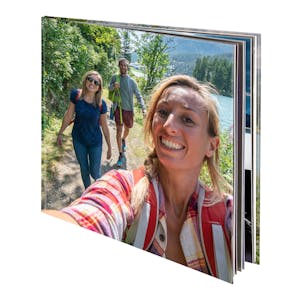
Whether a portrait, landscape or square book, large or small - at Pixum you can choose from nine different formats and design your book according to your wishes. You can also customise your Pixum wedding book by choosing from six different matt, extra matt or glossy paper types and five cover variantions. For particularly classy variantions, for example, choose a leather or premium linen cover, while the hardcover shows robustness and stability. Most covers can also be individually designed, e.g. with your pictures and text, which is not possible with a traditional photo album. Choose matt premium paper to give your book a high-quality finish.
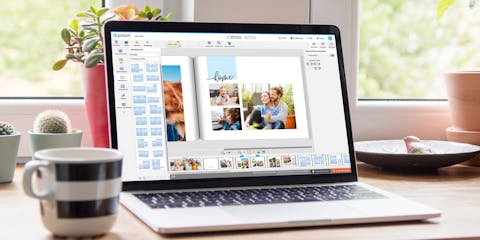
Use the Pixum Photo World Software to get the greatest possible design variety. Numerous backgrounds especially on the wedding theme, romantic frames that you can easily apply to your photos, and other design highlights are waiting for you. Discover more design ideas in our section on wedding inspiration.
This is how easy it is with the software
- Download the Pixum Photo World Software for free
- Select menu item "Photo Books", then choose the perfect format and paper type
- Choose between "Design yourself" and "Start with assistant" (the assistant arranges photos automatically at first, manual adjustments to the layout are possible later)
- Load photos from your computer
- Edit images by double-clicking if necessary and adjust colors, brightness, contrast, etc.
- Transfer photos to layout per drag & drop
- Select cover type, background, masks, frames and page layouts
- Add text, cliparts and QR codes for video clips if necessary
Your artwork will be particularly impressive if you use thematically matching cliparts, frames and layouts. Use the drop-down menu in the upper left sidebar of the software to filter the additional elements by theme to find professionally created wedding frames and styles.
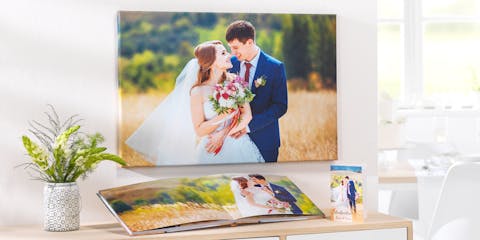
Top 3 tips on the wedding photo book
True highlights in your wedding album

Your wedding day is a day filled with passion, romance, unique experiences and unforgettable moments. Put the most beautiful photographs in a Pixum photo book, so you you never forget any details of this once-in-a-lifetime experience. Did you know that a photo book is way ahead of a classic wedding album? Here are some on the advantages:
- Robust, tear-resistant premium paper
- Elegant look
- Customisable cover with graphics and text
- Several types of binding to choose from, e.g. classic or layflat binding
- Various design possibilities in the Pixum Photo World software
Tips for your perfect wedding photo book
To make your wedding album a wonderful product filled with memories that will accompany you for many years to come, we have collected some helpful tips for you:
- Don't select pictures randomly, but rather tell a story. You could begin in the morning with the styling of the bride and work your way through the wedding ceremony in the registry office and/or the church, the congratulations to the end of the party.
- Take care of the variety: Many photos are most beautiful in black-and-white or sepia. Use the editing functions of Pixum Photo World software to edit the images.
- Choose a large photo book format to show off your pictures properly.
- Discover more than 75 design templates on the wedding theme to let your photos stand out.
Download the Pixum Photo World software and start creating your own personal wedding memento!
Feedback | Pixum Photo Book
An example: A wedding photo book as family chronicles (portrait format)
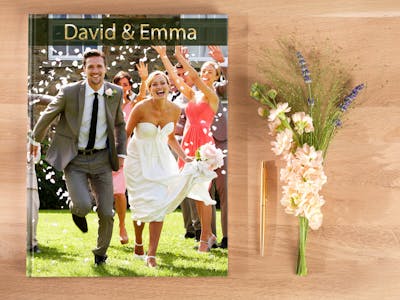
Weddings are often family reunions. The couple's relatives come together to celebrate the special day. But where does the family come from? Who were your ancestors? Who are you possibly related to, without knowing about it?
A family chronicle that can often be traced back over generations is an exciting piece of history. If you want to create a photo book as a family chronicle, you can use the portrait format so that you can capture photos of your ancestors in the highest possible quality and thus hold on to them for eternity.
Numerous ways to design a photo book:
- Try to find as many photos from the past as possible, whether it is your grandmother's first day at school or your parents' wedding.
- With the wide selection of frames and backgrounds that the Pixum Photo World software offers you for designing your photo book in portrait format, you can create a wonderful antique atmosphere.
- Another great idea: combine old black-and-white photos with more recent colour photos of your family members.
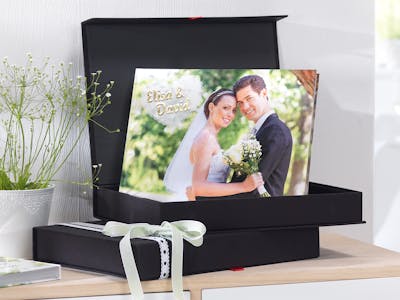
Your family chronicle book is not only exciting for you, but is also a perfect gift for all family members. You can also order the elegant black gift box for your album if you wish (available in the software). This gives the whole artwork a particularly noble touch. Or you show it at your own wedding celebration for the invited guests to make the event even more emotional.

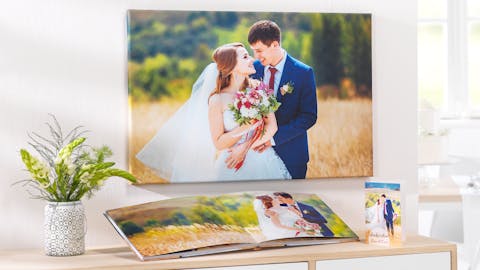
The classics: a photo on a Pixum canvas
Create a canvas for the wedding couple

A photo canvas is a beautiful gift for newlyweds. For example, combine photos of their favourite time together in a fun collage or create a wedding tree using professionally designed clipart. Choose a leafless tree so the guests may leave their fingerprints on the branches during the celebration with finger paint and write their names next to them, "growíng" an ever denser leaf work.
For the easiest and best way to create your photo canvas for the wedding couple, work with the Pixum Photo World software. Here you will find a variety of design options and many different templates in the wedding theme. Choose the perfect shape from panoramic, square, standard, 4:3 as well as 3:2 sizes and add a wodden shadow frame if you wish. We've got more than 40 different sizes and pre-set layouts to create your own unique photo collage.
Invitations, Menu and Place Cards
Invitation cards to the wedding: looking forward to a fairytale!
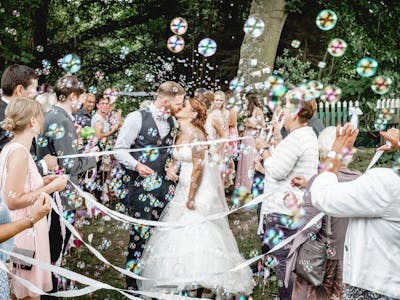
Wedding invitation cards are the prelude to a magical event that no one would ever want to miss. With Pixum Photo World software you can design your invitations like a professional! The software provides you with all the necessary tools. This is particularly easy with over 200 ready-made design templates on the theme which you can immediately fill with your photos.
A fully individual design is also possible:
- Choose light colours or pastel shades such as lime green, lilac or rose for your background.
- You prefer ready-made backgrounds? We've got plenty of those, many especially designed for a wedding (e.g. with dainty rose petals).
- Add playful frames with flower wreaths, hearts or delicate rose blossoms to your photos.
- Add text fields wherever you want your invitation text to be.
Tips for stunning invitation cards
To make sure that your wedding invitation cards leave an impression on your guests, pay attention to these tips:
- Use professional shots of the couple which are true to reality - still in love like on day one.
- Matt premium paper gives the invitations an elegent touch for the special occasion.
- Folding cards M and L are ideal for this purpose due to their size. For a more dynamic and modern look, the square size could also be suitable.
Create your invitation cards online!